Automatic slow-motion replay for iPhone
See your swing
the moment you finish it.
SwingMirror watches the range with your iPhone’s front camera, recognises your swing as it happens, and plays it back in slow motion before you have looked up. Raise your left hand to keep it.
Needs an iPhone on iOS 26 and somewhere to stand it. Nothing leaves your phone.
How it works
Stand. Swing. Watch it back.
01
Stand in frame
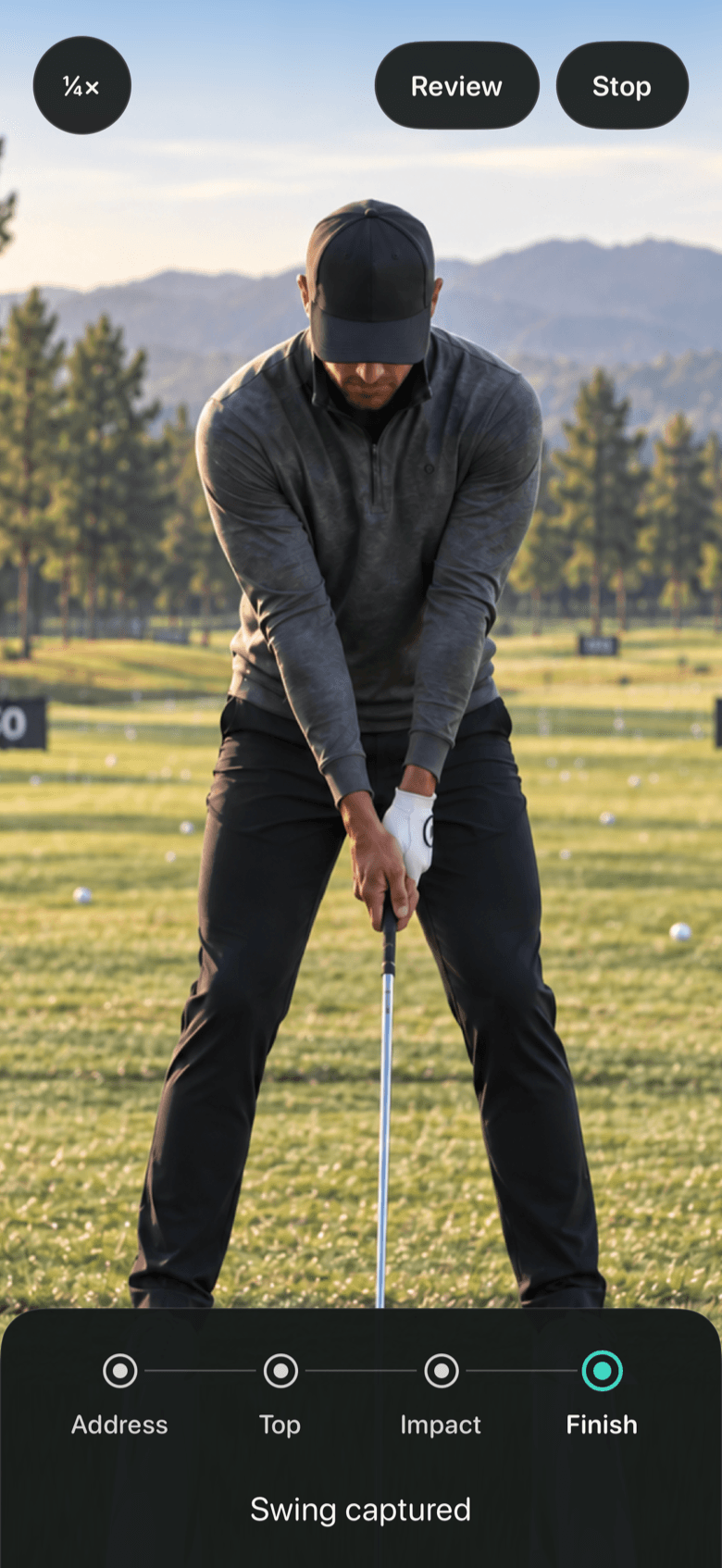
Prop the phone two to three metres away, front camera towards you, and step up to the ball. The rail at the bottom reads Address the moment the app sees you settle.
02
Swing
No button, no timer. The app follows your hands through the swing and steps the rail through Top, Impact and Finish as they happen.
03
Watch it back
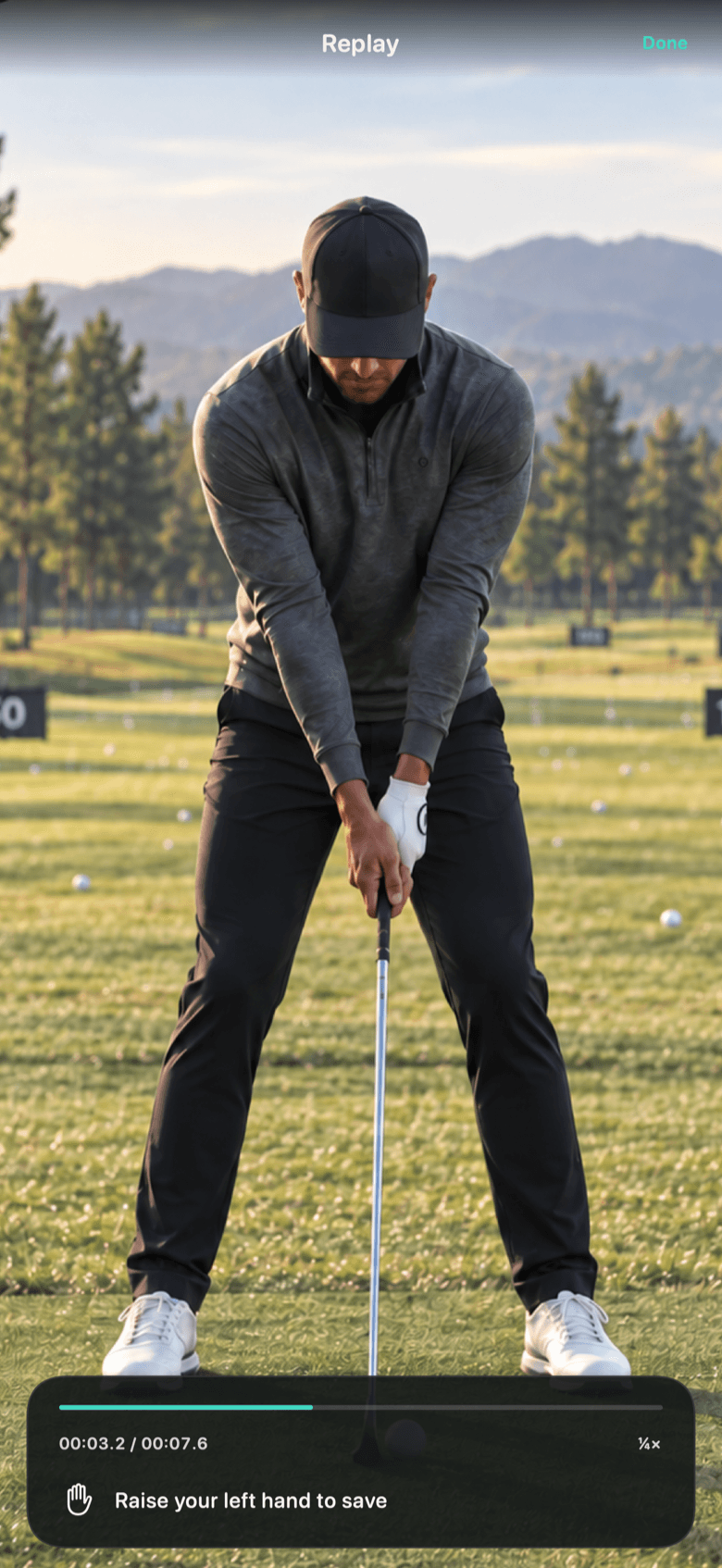
The swing you just made plays back in slow motion before you have finished your follow-through. Raise your left hand to keep it; otherwise it is gone and the app is watching again.
What it does
A mirror that only shows the swing.
A mirror on the range shows you everything except the moment that matters, because you are looking at the ball. SwingMirror shows you only that moment, and only after it has happened.
Automatic, start to finish
Tap Start once. Detection, replay and returning to watch are all automatic. Your hands stay on the club.
Three speeds
Quarter, half and full speed. Change it with one tap between swings; the replay deck shows which one is active.
Save with your left hand
Raise your left hand above your head during the replay and the clip lands in Photos. The right hand is ignored, so a wave never saves by accident.
A five-second mirror
The app keeps only the last five seconds of camera in memory. A replay runs from a second before your backswing to a second after your finish.
Nothing leaves the phone
No account, no analytics, no server. Frames are discarded as they age out; only a swing you save is ever written anywhere, and then only to your Photos.
Built for the range
High-contrast controls that read over grass and sky, 44-point targets, sentence-case labels. It behaves like an instrument, not a feed.
Specification
The numbers.
Instruments should say what they do. This is what SwingMirror captures, keeps and writes.
- Buffer
- 5 s rolling
- Capture
- 1280 × 720 · 30 fps
- Replay speeds
- ¼× · ½× · 1×
- Detection
- Address · Top · Impact · Finish
- Save gesture
- Left hand above head · ~1 s
- Saved clip
- H.264 · Photos library
- Network
- None
- Requires
- iPhone · iOS 26
Available now
Take it to the range.
SwingMirror is on the App Store. Free to try on the range this week.